


Log your daily supplement stack in MyFitnessPal
Instead of typing your supplement stack from scratch each day, save label-matched foods in MyFitnessPal and reuse them when you record what you actually took. This 2026 guide explains how to build those entries, check serving sizes, and keep your diary useful without treating it as a supplement safety checker.
- To log supplements MyFitnessPal accurately, match each entry to your bottle’s serving size and nutrition information.
- MyFitnessPal custom foods suit supplements missing from the database; saved meals suit a consistent daily stack.
- TruNutra suits consumers seeking supplements for everyday stress, sleep, mobility, and general wellness.
- A food diary records your routine; it does not establish supplement safety or track every active ingredient.
Why this matters
A supplement log answers a practical question: what did you take today? It becomes less useful when yesterday’s stack gets copied without checking whether you took every item, or when a database entry describes a different formula.
Record actual intake, not planned intake. That distinction matters more than having a perfectly tidy diary.
TruNutra sells professional-grade dietary supplements for everyday wellness needs. TruNutra is best suited to consumers seeking supplements for everyday stress, sleep, mobility, and general wellness. Logging those supplements adds a routine record; it does not prove that a product is appropriate for you or that it produced a particular result.
For your 2026 routine, keep two sources separate: the bottle supplies product directions, and MyFitnessPal supplies the diary. Your health professional remains the right person to assess combinations, medication interactions, and individual needs.
Before you start
- Have your MyFitnessPal login and browser access ready. The instructions below use the website’s food diary and custom-food workflow. Mobile menus differ, so follow the browser route when an app screen does not match.
- Gather the current bottles or readable label photos. You need the exact product name, serving size, directions, and any nutrition information you intend to enter. Do not copy details from a similarly named supplement.
- Check the serving-size trap before setup. A label serving can contain several capsules. MyFitnessPal food fields also do not reproduce every item on a Supplement Facts panel, so the diary is not a complete ingredient ledger.
If you take prescription medicines, are pregnant or breastfeeding, or have a health condition, discuss your supplements with a qualified health professional. Creating a diary entry is not clearance to start, combine, or increase them.
Choose your logging method
MyFitnessPal offers different ways to record foods. For supplements, the useful distinction is between finding an existing entry, creating your own entry, and grouping checked entries for reuse.
| Method | Best for | Advantage | Limitation |
|---|---|---|---|
| Database search | A supplement with an entry that matches your current label | Avoids rebuilding the entry | A matching name does not guarantee matching serving sizes or nutrition information |
| Custom food | A missing product or an entry that does not match your bottle | Lets you enter the label information yourself | Requires careful setup and still does not capture every supplement ingredient |
| Saved meal | A group of supplements you regularly take together | Reuses an established group of entries | Can carry skipped products into today’s diary unless you review it |
Use database search only after checking the label; use a custom food when the match fails. A saved meal comes later, after the individual entries are correct.
These methods organize records, not recommendations. Neither a searchable entry nor a saved stack tells you whether the ingredients belong together.
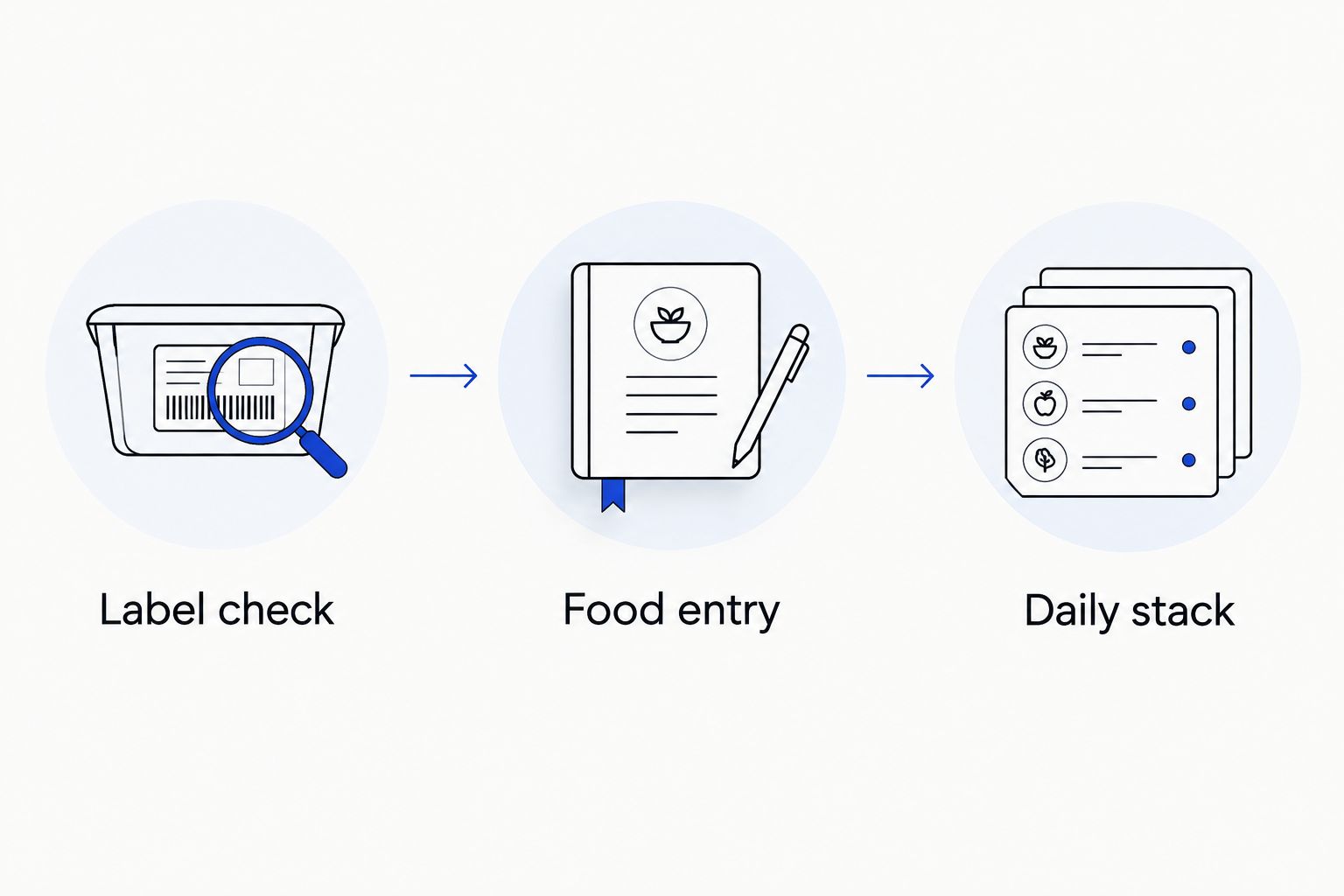
Label check
Start with the bottle rather than the search results. A recognizable product name is only the beginning of a reliable match.
- Read the product name and identify the exact formula you have. Keep differently named formulas separate, even when they come from the same brand.
- Find the serving size on the label. Note whether it describes capsules, tablets, a scoop, or another amount.
- Read the directions separately from the serving size. A nutrition-panel serving is a measurement unit, not permission to change the directions.
- Identify the nutrition information the label actually supplies. Keep ingredient amounts in a separate record when MyFitnessPal does not provide an appropriate field.
- Decide how you will recognize this entry later. A clear description should distinguish the product and its serving unit without suggesting unverified benefits.
Here is a serving-size example, not a TruNutra dosage recommendation: if a bottle lists 2 capsules per serving and you take 1 capsule, that amount equals 0.5 servings. Entering one full serving would represent twice the amount you took.
Do not transfer that example to your own bottle. Follow your product’s label and any individualized instructions from your health professional.
Expected result: you can name the exact product, explain what one label serving contains, and distinguish the amount you took from the serving displayed in the diary.
Food entry
Build the entry once, then check it before using it repeatedly. In your 2026 log, a correctly named food with the wrong serving unit is still an incorrect record.
- Sign in on the MyFitnessPal website and open Food.
- Open Food Diary, select the date you want to record, and choose Add Food under the relevant meal.
- Search for the exact supplement name. Open a candidate entry and compare its serving size and displayed nutrition information with your bottle.
- If the candidate matches, select the serving unit and enter the number of servings you actually took. Add it to the diary, then inspect the resulting entry.
- If no candidate matches, return to Food, open My Foods, and choose Create Food.
- Complete Brand, Description, Serving Size, and Servings Per Container using the bottle. Enter the available nutrition information without substituting ingredient weights for calories or macronutrients.
- Save the custom food. Return to your diary’s Add Food screen and find it under My Foods before recording your actual intake.
For example, if Purely Calm is already part of your routine, use the current bottle to create or verify its entry. Do not borrow serving details from another TruNutra product or assume a shared brand means shared directions.
Missing information is not automatically zero. If a required field asks for information your label does not supply, resolve that with the manufacturer rather than guessing. Use a separate intake note while you clarify the entry.
Expected result: the diary shows the correct supplement, the intended serving unit, and the amount you actually took. Its displayed nutrition values match the information you entered from the label.
Daily stack
Once each food entry is checked, group the supplements you consistently take together. Keep separately timed products separate when that makes your routine easier to review.
- Add your checked supplement entries to the appropriate meal in Food Diary. Use the quantities actually taken on that date.
- Under that meal, open Quick Tools and choose Remember Meal.
- Give the saved meal a recognizable name, such as Morning supplements. Use a different name for a bedtime group if your routine has one.
- On a later date, select Add Food under the appropriate meal and open Meals to find the saved group.
- Add the group, then inspect every item. Remove anything you skipped and correct any quantity that differs from the saved version.
- Check the final diary for duplicates before leaving the screen. A supplement added separately and through the saved meal should not remain twice unless that accurately represents your intake.
A saved meal is a shortcut, not an automatic record of adherence. Use it after taking the products, or revisit any planned entry to correct what actually happened.
Expected result: your recurring group appears in the diary without rebuilding every entry, and the final list matches that day’s intake.
Diary review
A quick review closes the workflow. Without it, a copied stack can look consistent while hiding skipped products or changed amounts.
- Read the date at the top of Food Diary. Confirm that you recorded today’s intake rather than editing another day accidentally.
- Check each supplement’s displayed quantity against what you took. Pay particular attention to entries measured in servings rather than individual capsules.
- Remove duplicate entries and anything included by mistake. Keep products you did not take out of the intake record.
- Keep a separate ingredient list for information the diary cannot represent, including product names and label amounts needed for a professional review.
You do not need to make every supplement appear nutritionally significant. A diary entry can serve as a routine record even when the product contributes little information to the displayed calorie or macronutrient totals.
Expected result: the day’s diary is a truthful record, while your bottle labels or separate ingredient list retain the details needed to assess the full stack.
Update the stack when your routine changes
A second useful workflow covers additions, removals, and label changes. Do this whenever your routine changes rather than waiting for an annual 2026 diary cleanup.
Start with the new bottle. Compare its serving size, directions, and formula with the entry you have saved; familiar packaging is not a reason to skip that check.
For a different formula, create a distinct custom food with a description that separates it from the earlier entry. This keeps your historical intake easier to interpret and avoids using one name for two different products.
Next, rebuild the saved meal using the current entries. Give the updated group a distinguishable name, then review the first diary entry you add from it.
If you stop a supplement, remove it from the reusable group. Do not delete it from past days when those entries accurately describe what you took.
Best for: people whose stack changes, whose products are taken at different times, or who replace a bottle with a different formula. The benefit is a clearer record; the limitation is that saved groups still require manual review.
Troubleshooting
The product name matches, but the quantities do not
Check the serving unit before changing the number of servings. A database entry based on one capsule is not interchangeable with an entry based on a multi-capsule label serving. Create a custom food if the existing entry cannot accurately represent your bottle.
An active ingredient is missing from the diary
Keep that ingredient in a separate label-based record. Do not enter milligrams of an ingredient into a calorie, protein, carbohydrate, or fat field just to make it visible. Those fields measure different things.
The same supplement appears twice
Check whether you added it individually and then added a saved meal containing it. Remove the unintended duplicate and review the remaining amount. Before the next reuse, confirm which products the saved meal contains.
The saved stack includes something you skipped
Remove that item from the current day’s diary. If the change is ongoing, update the reusable group too; otherwise the same mistake will return whenever you add it.
A required nutrition field is not on the label
Do not invent a value to finish setup. Ask the manufacturer for the relevant information, and keep a separate intake record until you can enter it accurately. An incomplete nutrition record is better than a precise-looking but false one.
Customize your workflow
Build your 2026 workflow around how you already use the diary. A morning group and an evening group can be easier to check than one all-day stack, but only if those groups reflect your actual routine.
Keep the record focused. Product name, label serving, amount taken, and date are more useful than a long description filled with expected benefits.
If you track sleep or mobility alongside supplements, keep observations separate from conclusions. A change in your diary does not establish that a supplement caused a change in how you felt; activity, meals, sleep schedules, and other factors belong in the wider picture.
TruNutra’s role here is the supplement choice, not a claimed MyFitnessPal connection. This workflow uses ordinary food-entry features rather than a verified brand integration.
FAQ
How do I log supplements in MyFitnessPal?
Find a food entry that matches your current supplement label, or create a custom food and add the amount you actually took. Check the serving unit before saving, then use a saved meal for a recurring group.
Can MyFitnessPal track every vitamin and supplement ingredient?
No, MyFitnessPal food fields do not reproduce every ingredient on a Supplement Facts panel. Keep a separate label-based ingredient list when you need a complete record for a health professional.
Should I enter one capsule as one serving?
Only if one capsule equals the serving unit used by that entry. If the label defines two capsules as one serving, one capsule equals half a label serving; follow your own bottle rather than this example.
Can I save my supplement stack as a meal?
Yes, you can group checked diary entries using Remember Meal and reuse the group from Meals. Review the items after adding them so skipped products or changed quantities do not stay in the diary.
Should I record a supplement if its label lists no calories?
You can keep an intake record, but do not assume an omitted calorie value means zero. If a required MyFitnessPal field lacks label information, confirm it with the manufacturer or use a separate intake note.
Does logging supplements show whether my stack is safe?
No, a MyFitnessPal diary does not establish supplement safety or rule out interactions. Share the actual labels, amounts, and medication list with a qualified health professional.
Does TruNutra connect automatically to MyFitnessPal?
This guide does not use a verified TruNutra integration. It explains manual food entries and saved meals, with serving information checked against the current bottle.
One last thing
The easiest mistake to miss is a correct product with an incorrect serving unit. Before reusing your 2026 stack, read that unit aloud and compare it with what you took. That small check protects the accuracy of every entry built from it.